So I’ve been back for a few days from a trip to Ponza. Which is an island off the coast of Italy. A hidden little island off the coast of Naples, which has a three hour ferry to get there.
It was a holiday where we both needed some much needed R&R, and Ponza provided it in spades. A quiet, sleepy fishing village on an island that is no more than a few kilometers across, Ponza provided us with a great location to relax and take in the scenery.
Highlights were a boat tour around the island and a nearby island where I swam in the sea (without touching the bottom, which was a first for me in the 42 years I’ve been on the planet), a gorgeous meal at a Michelin starred restaurant overlooking the bay, sploshing in pools, an ice cream boat that was quite frankly the greatest invention I’ve ever seen, and a quiet restaurant on the other side of the island who’s pudding we loved so much we brought home.
Anyway, I’d say go, but I’d definitely go back and I kind of like the fact it’s quietly chaotic and very Italian, and in a week we heard 3 British accents. So maybe don’t go. I like the fact we as a nation have never heard of it, meaning I can explore it.
I write this on naff all sleep and I am probably going to put something on my freelance Instagram like I always do a bit later, but it was eight years and one day since I pushed live “If not now, when?“, which I shared to a few friends and socials from Frankfurt airport.
The day after was the first day of being a freelancer.
Despite recessions, COVID, the rise of AI, Brexit and god knows what else, I am still going. Dare I say this year is going….pretty well? Certainly better than last. Profit wise I am similar to two years ago – my best year – and I am far more diversified with clients today. Seems to me that people still want WordPress builds that rank and convert. But also people want entities they can trust. I have a blog post in my drafts about this that I need to finish off.
The fear doesn’t leave you. I even broke down last Thursday in a restaurant because I got into a weird catastrophe loop that I convinced myself I don’t know what I am doing (yes, even after doing this for 20 years) and eventually all my clients would leave, but they are still here. I am still here.
Anyway, I am busy enough with a few projects in the pipeline, meaning I have neglected this place a bit. Sorry. Will send photos of Italy when I am back (which you can see here).
So as mentioned on my Now page, I headed to Scotland about a month ago for a wedding and a cross-country road trip that sung to my soul. Taking a trip north of the border just makes me happy, and you can see why so much of the country’s culture is inspired by Caledonia.
But I’m not here to wax lyrical about that, oh no. Let’s focus on the food. My god. Seafood is ruined for me. I have eaten so much shellfish up there I may be slowly phased out and replaced by a big Hawaiian, after being jobbed out at an event where I had an expensive haircut on the company owner’s dime.1 Here – for future reference (thanks Elliot) – are some of the best places I eat. This fat Welsh lad can recommend these places.
Eastfield, Dundee
As mentioned on my Lemmings Statue post, the first night I ate at Eastfield – a nice small restaurant that was rammed in Dundee. It’s one of those places where the food is made based on the fresh produce that arrives every day, so there’s no point sharing the menu, but it was the only place I didn’t take a picture of the food because we couldn’t wait to eat it, it was all so good.
Definitely recommended.
Port-na-Craig Inn & Restaurant, Pitlochry
We needed a bit to eat before we went to see Lear in the Pitlochry Theatre, and there is a restaurant opposite it. Port-na-Crag Inn overlooks a beautiful river. We had a ceasar salad with chicken and haggis bites. They were delicious.
Probably one of the few times I actually didn’t eat Seafood.
The Grandtully Hotel by Ballytaggart
This is very much our spot.
Last year we went for a night in The Grandtully Hotel as a preparation before driving back home, and we loved it so much we came for 2 days this year. This boutique hotel and restaurant just calms and soothes me. The food is excellent too. I remember an onion bhaji with some banana chutney that was just excellent and a gorgeous fish pie where me and my partner said to each other “Did we really go to a bit of a fancy restaurant and order a fish pie?”. Also, take me back to the terrace with a pint watching the Scottish world go by.
Blas Na Mara, Fort William
This was a discovery.
We headed to Fort William for a bit, to have a boat tour of the Seal Island on Loch Linnhe. It was a day trip between hotels, and we stopped for a bit of lunch in Blas Na Mara’s seafood shack, which was hidden away.
The food was delicious, perfect for a wet day in Scotland. Lobster rolls and chips warmed us right up before we went on a blustery tour. Location isn’t great, but the food? Incredible.
Pierhouse Restaurant, Port Appin
The rain cleared and we went to Port Appin after seeing Castle Aaargh from Monty Python. We had a few beers before a meal in The Pierhouse at Port Appin, a quiet, tranquil seaside village. Spending an hour just watching the boats go in and out with very little noise was good for the soul.
We then decamped inside for a meal, and what a meal, we had sea bream and a langoustine starter, and roasted potatoes that were melt in the mouth. A wonderful meal.
Loch Fyne Restaurant and Oyster Bar
Finally from the trip we went to the Loch Fyne Restaurant and Oyster Bar, located on the shore of Loch Fyne, outside Inverary. Obviously we had oysters, but we also had a scallop with black pudding which was fantastic. I had a crab burger as well, which was just what I fancied, and it was delicious.
So, apologies for the fairly self indulgent post, but if you’re ever in the area of any of those restaurants, go!
This is an obscure reference but my goodness it is hilarious if you get it. ↩︎
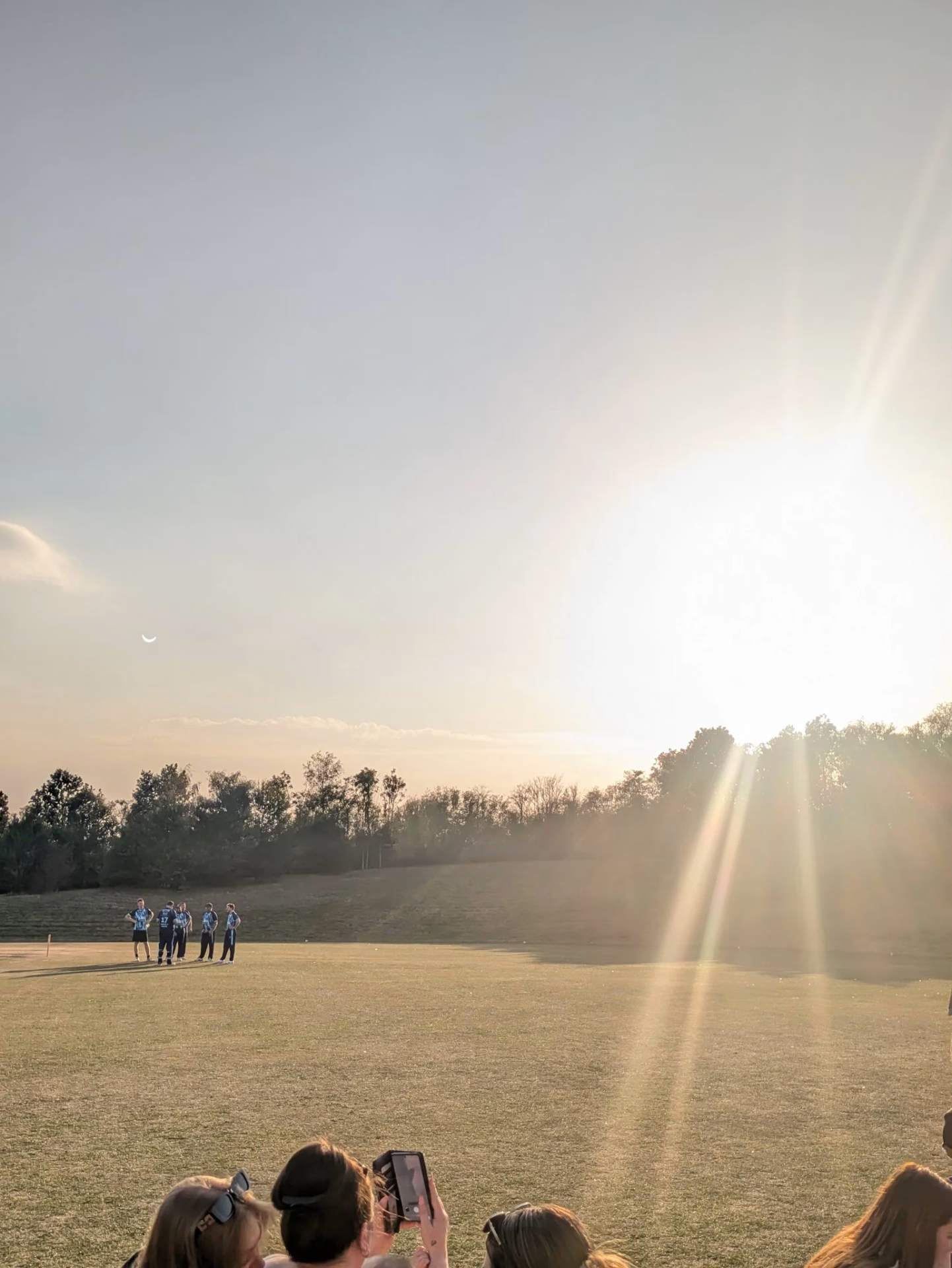
I was fortunate in seeing the Solar Eclipse back then. We were about 20 miles away from totality at the time (on holiday in Weymouth) and seeing it go so dark was surreal. This photo was taken at around 10am!
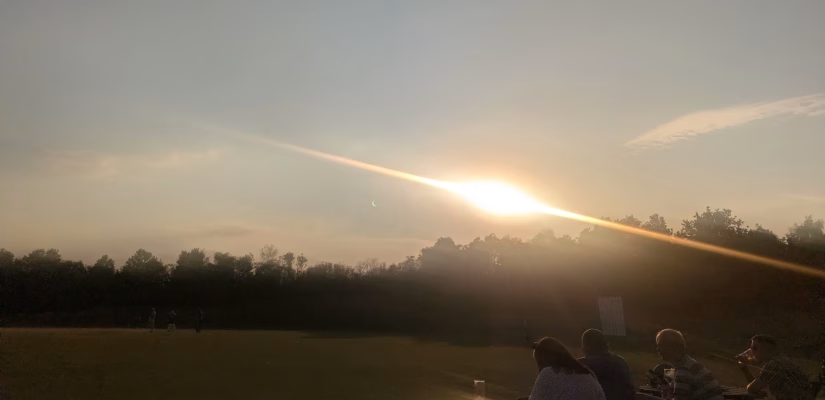
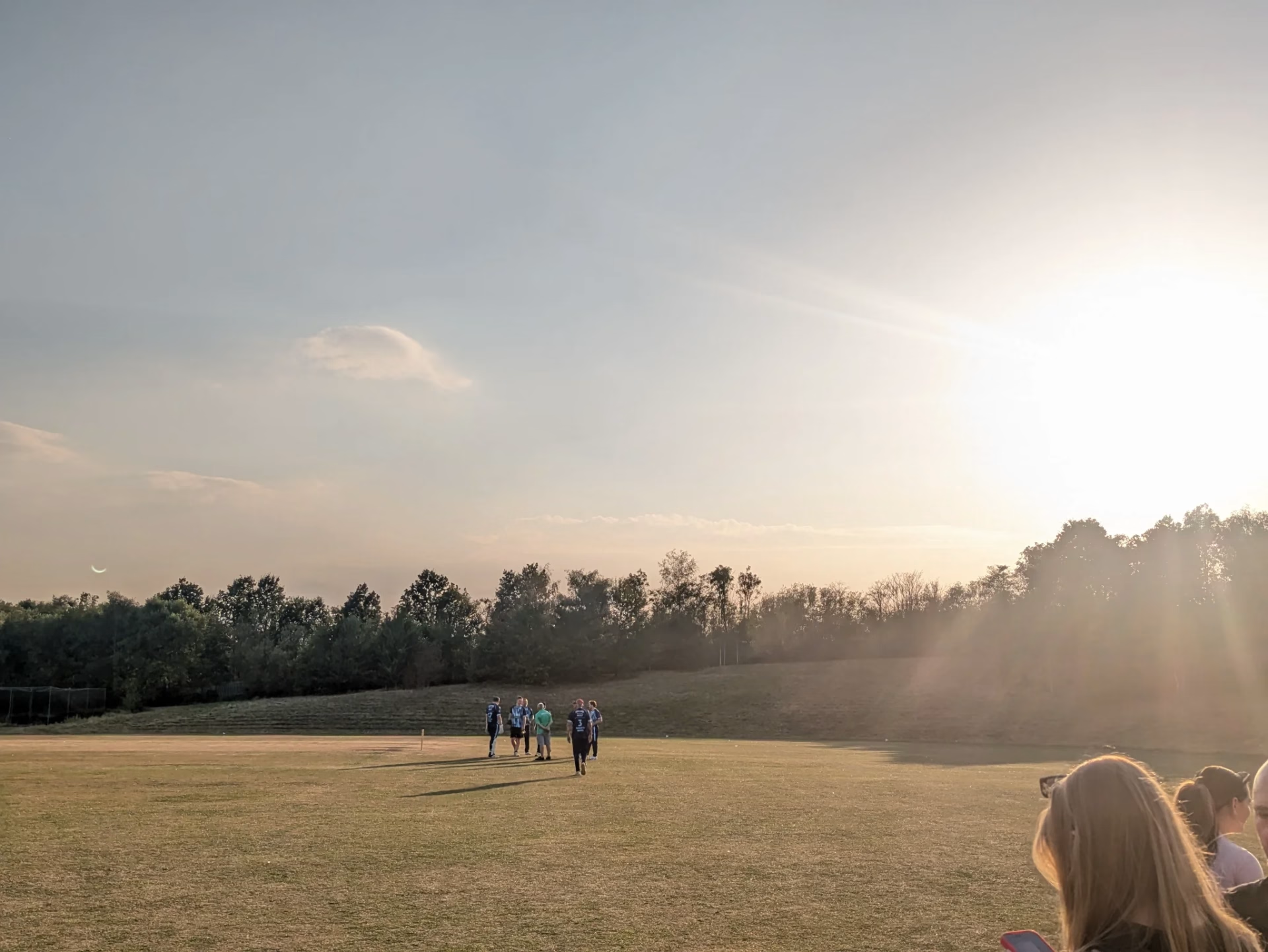
Last night was still impressive. I thought I tried getting a few photos, but it seems I got lucky with a few reflections in my phone camera.
I may have fried the lens (though to be honest I’m never great at taking photos, and it feels like I got away with it), but rather fry my lens in a once in a lifetime moment than my eyes.
Today I launch a game that is probably my biggest ever – Battleteria.
This project has been my game since the start of the year (with the exception of a month and a half where I worked on another project). I wanted to learn a few concepts in Pico-8. Sprite rotation, storing and retrieving levels, and highscore tables, and after a bit of work I’ve come up with this.
Space Replicants have taken over the galaxy, and the Solar System is the last stop. Guide your ship through 50 waves of enemies in 2 different distinct game modes. There are 10 bugs to fight, two different weapons, and the ability to turn the music off should you wish. Can you find all 4 of the endings? A fast and frantic rotational shooter.
You can play it here, as I’ve embedded it below. Sorry for your lack of lunch break!
Controls
– move spacecraft around the play area
(mapped to X/C on browser) – straight shot
(mapped to Z/V on browser) – spread shot
Hope you like it! If you do, I’d really like the following:-
Please share this post on social media, or mention it on your blog It really helps. Struggling with what to write about? Share your high score!
You can download the game for free on Itch.io for Raspberry Pi and the source code for you to build in Pico-8. If you donate £2 or more you get the Windows, Linux and Apple Mac executables. I have also a Ko-Fi page which I am using as a generic “support my endeavours in various things” page. You can make a one-off donation or memberships.
I’ve got a dev diary coming up where I share the challenges in making it, but how have you done? Here are my high scores and fastest times, to set the bar.





 – move spacecraft around the play area
 (mapped to X/C on browser) – straight shot
 (mapped to Z/V on browser) – spread shot
